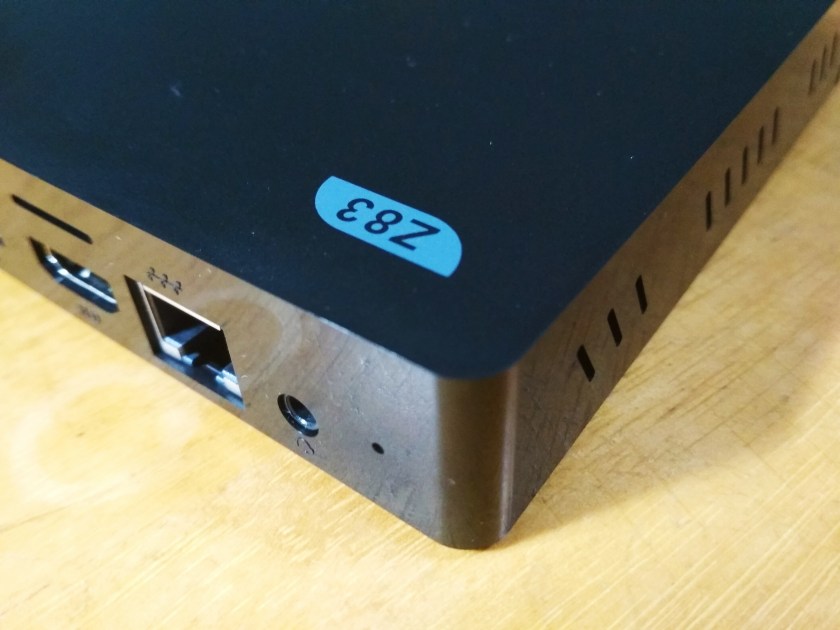
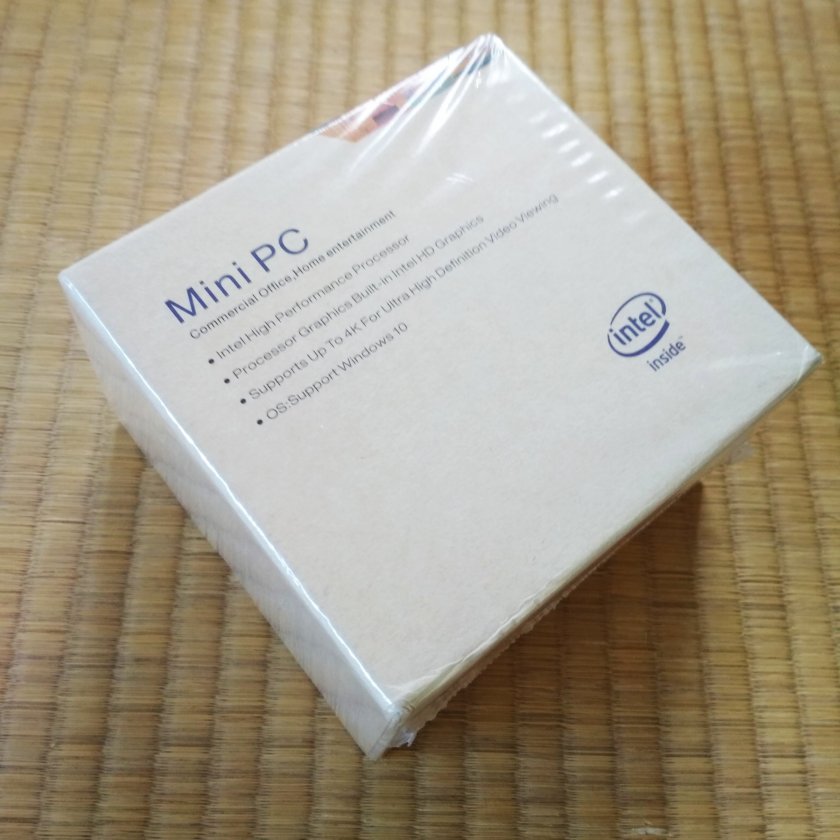
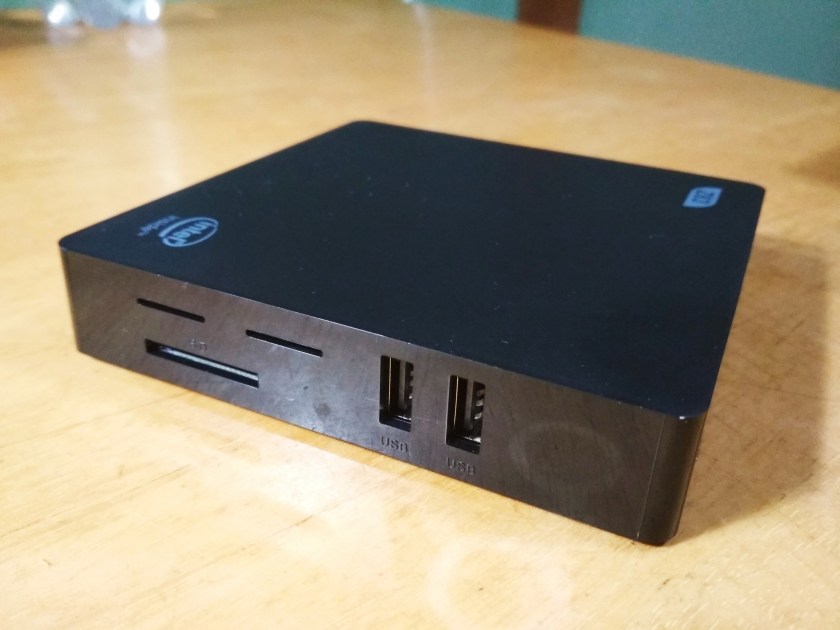
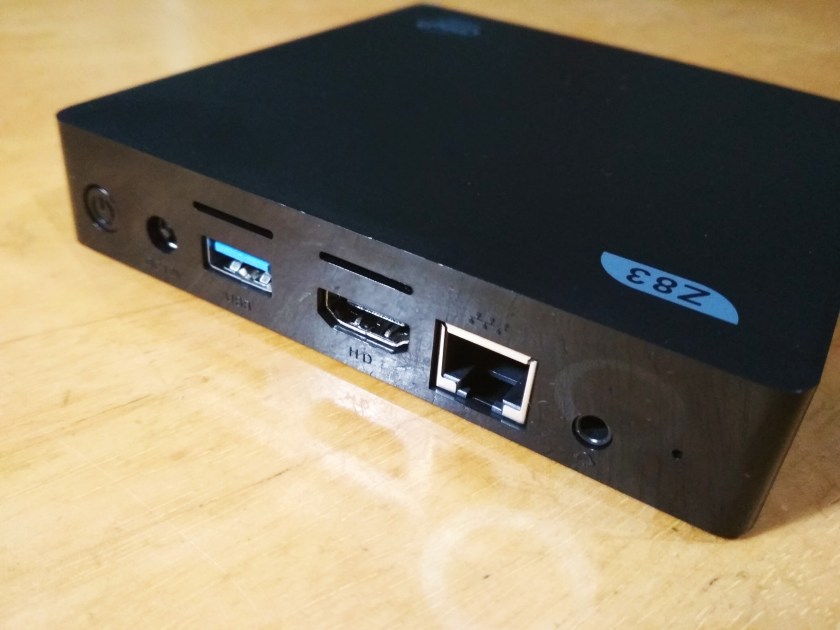
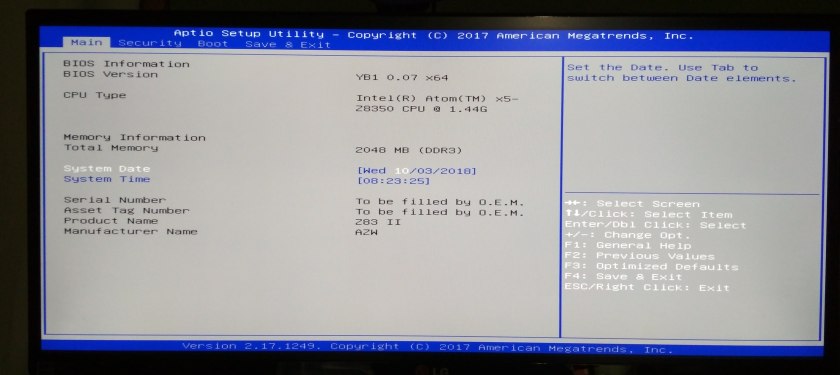
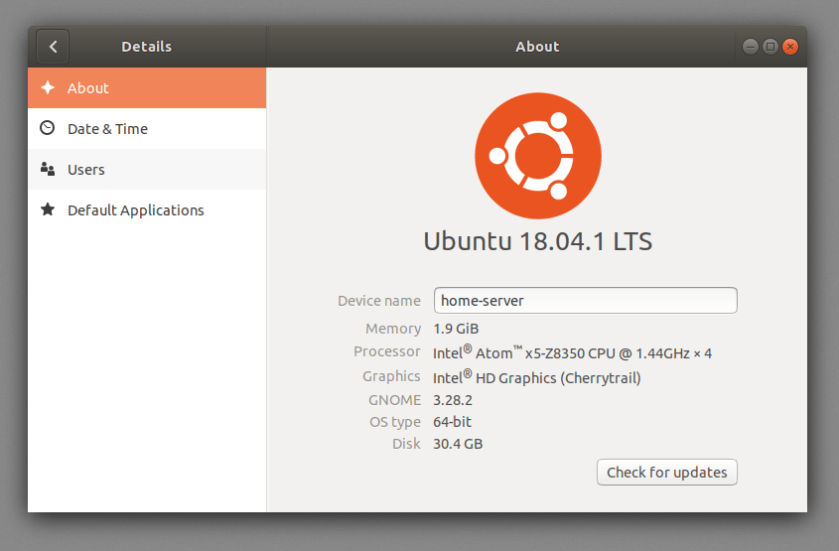
The Z83II Mini PC has an Intel Atom x5-Z8300, 2gb DDR3 and a 32gb emmc, and ships with Windows 10 preinstalled.
Bios
Linux
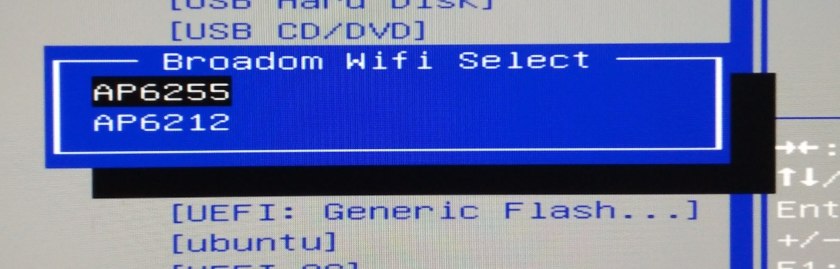
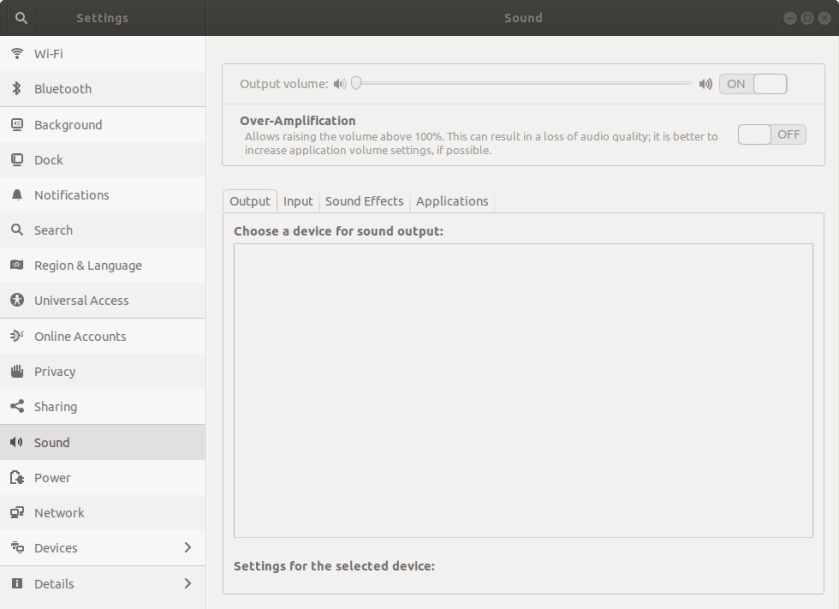
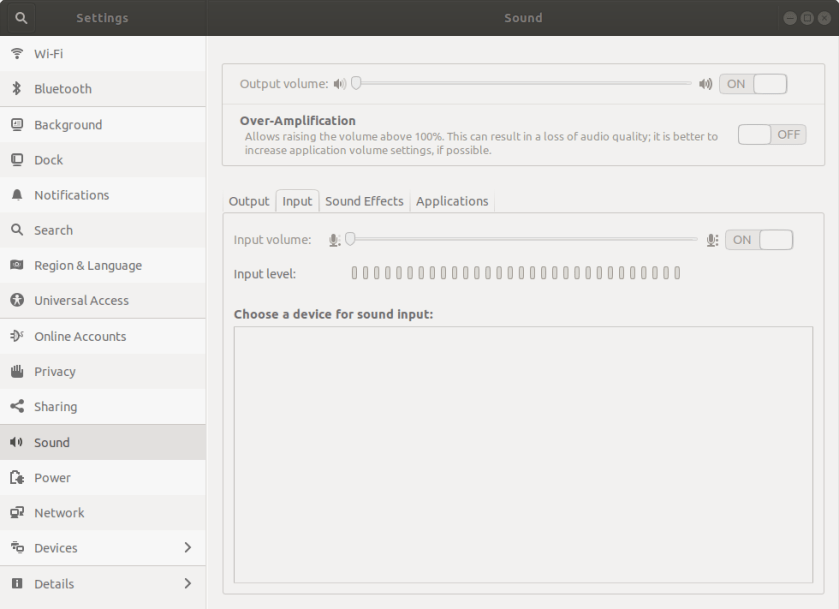
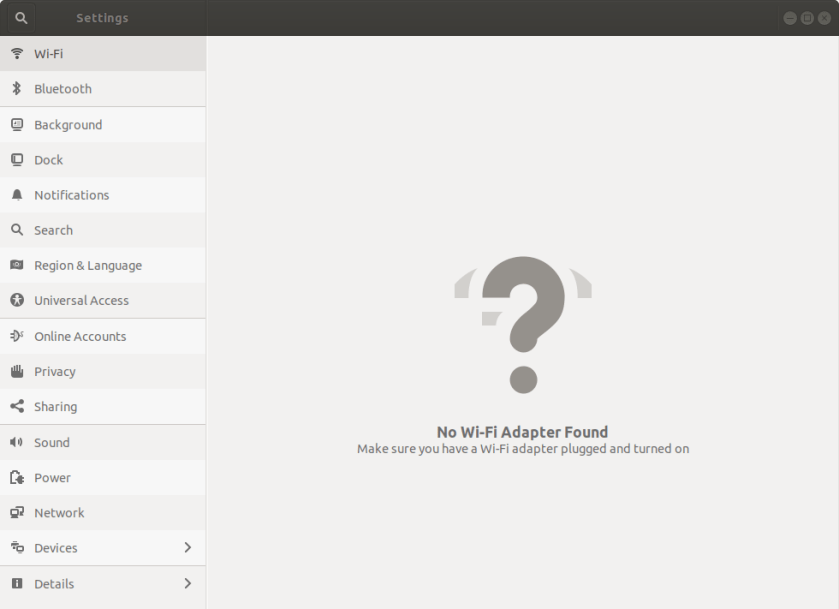
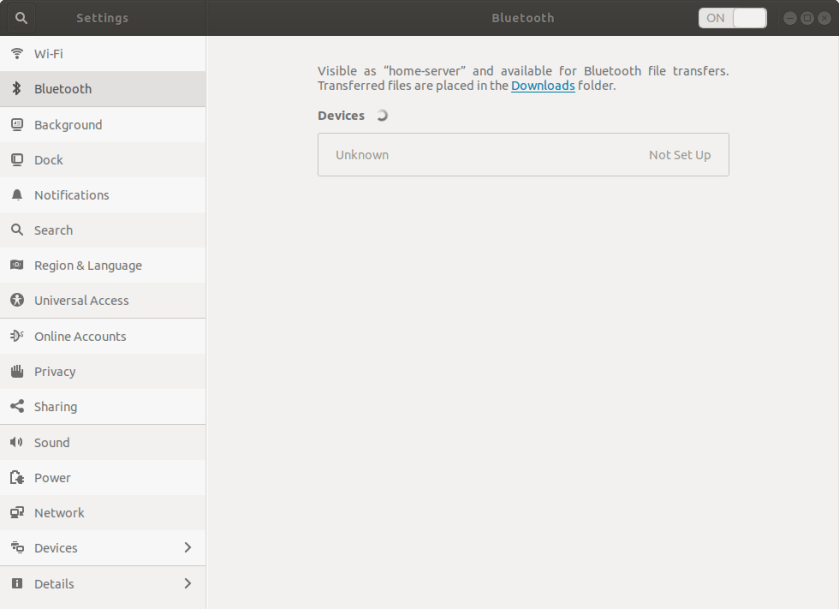
Ubuntu 18.04 runs well enough. Sound and wifi do not seem to work out of the box, but I’m sure there are drivers available.
Android
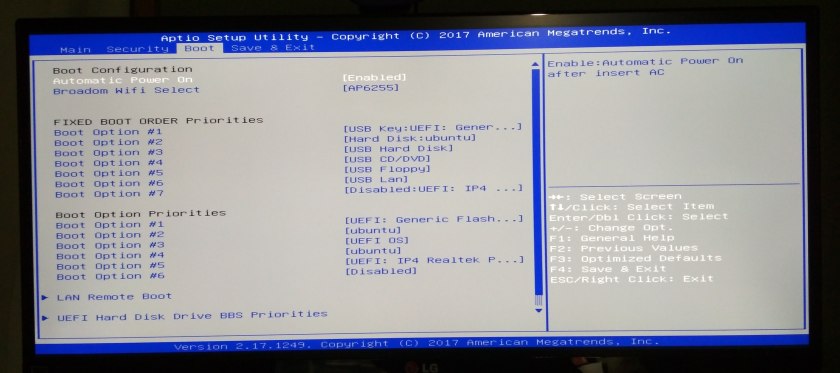
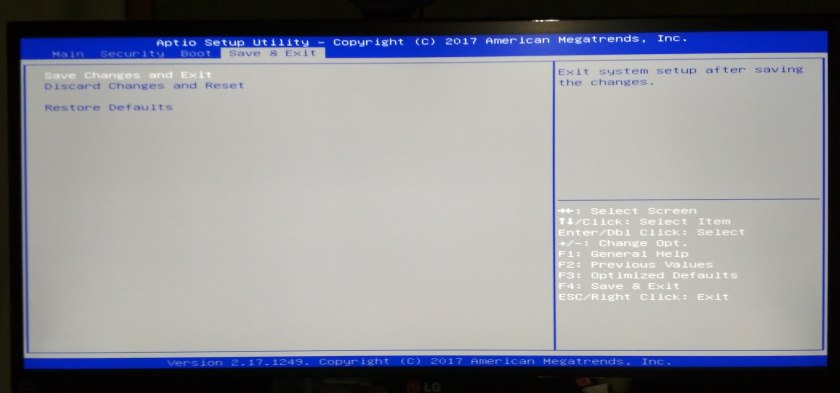
I tested Android-x86 by downloading the latest image from their site, and creating a bootable USB drive using UNetbootin. I plugged the usb drive into the z83ii and booted it up, changed the boot priority to load the USB drive first. Upon saving and exiting the bios, I was met with this grub-like boot selector:
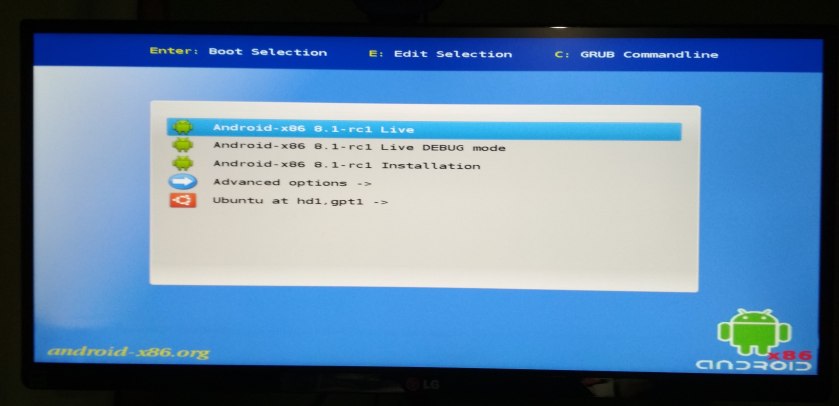
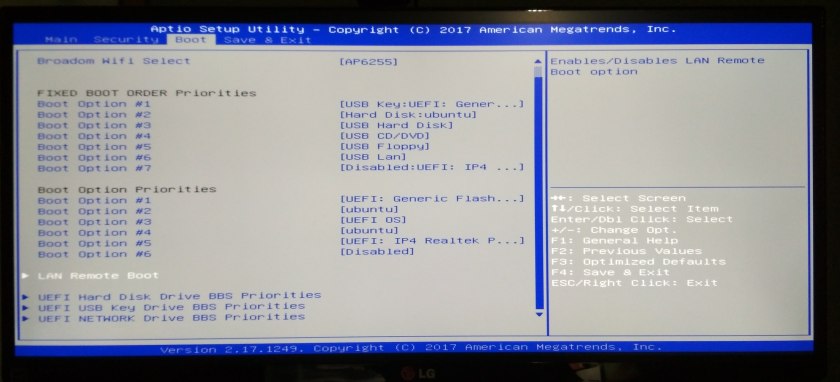
The system booted easily and everything except the WiFi worked out of the box. I did not try changing the WiFi model in the bios or installing any drivers. The animations were pretty choppy, but it was very usable.

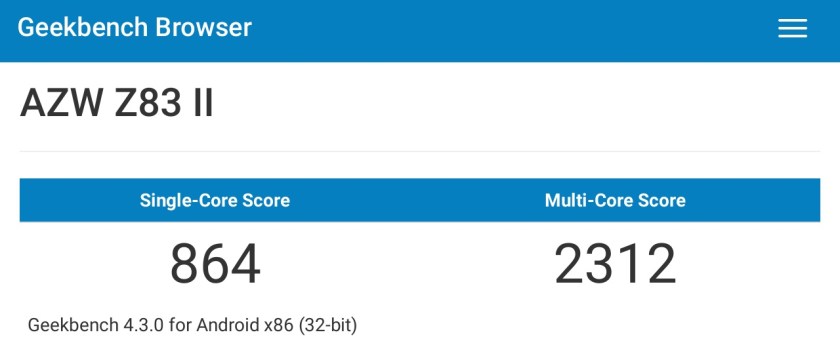
I signed into the Play Store and downloaded Geekbench. The benchmark results left a lot to be desired, as you can see here.

 Dev Dump