In Ubuntu Linux, to unzip a Japanese archive without having scrambled, odd filenames, correct the Unicode on unzip by entering the following line in terminal.
unzip -O cp932 <filename>
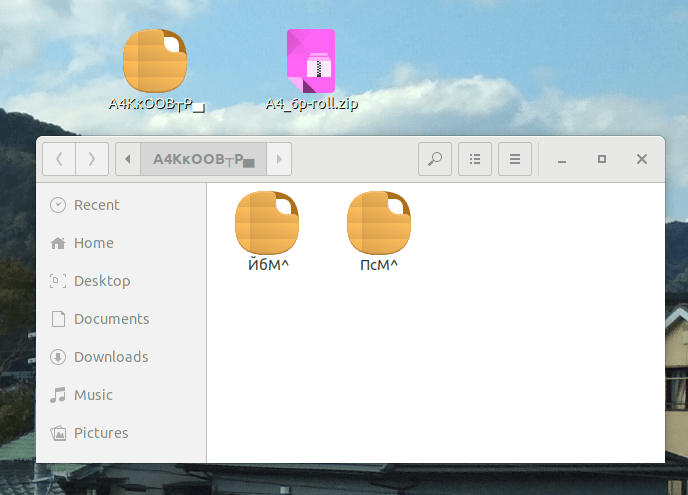
When unzipped using the GUI:
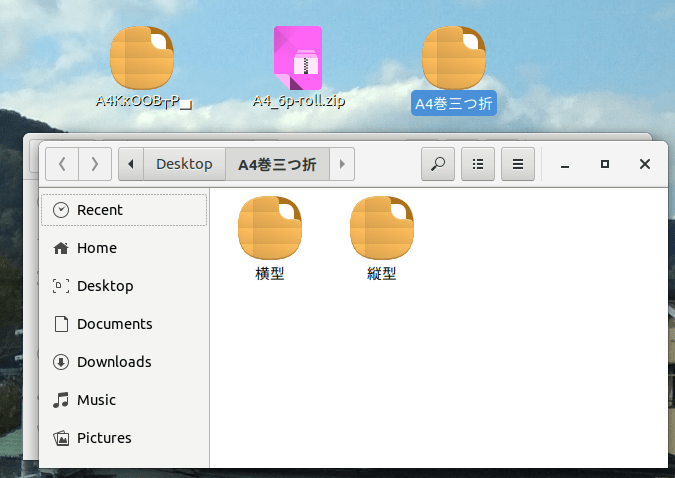
The same file unzipped by navigating to the Desktop folder in terminal and running
unzip -O cp932 A4_6p-roll.zip


 Dev Dump